Lead times per state
This view is being rolled out gradually. If you don't see it yet, it hasn't been enabled for your workspace.
The Lead Times of a ticket record when it reached which state. From these points in time you can read how long a story spent in each phase, and throughput reports build on them. You do not maintain anything by hand: Betterplan sets the times automatically as soon as the Progress changes.
The Lead Times tab appears in the detail view for stories and for Dev and Project stories, not for epics, initiatives and workitems.
The Lead Times tab
Open a story and choose the Lead Times tab. In the sample project QuickCart, the story Temperature control shows the typical course of a running story.
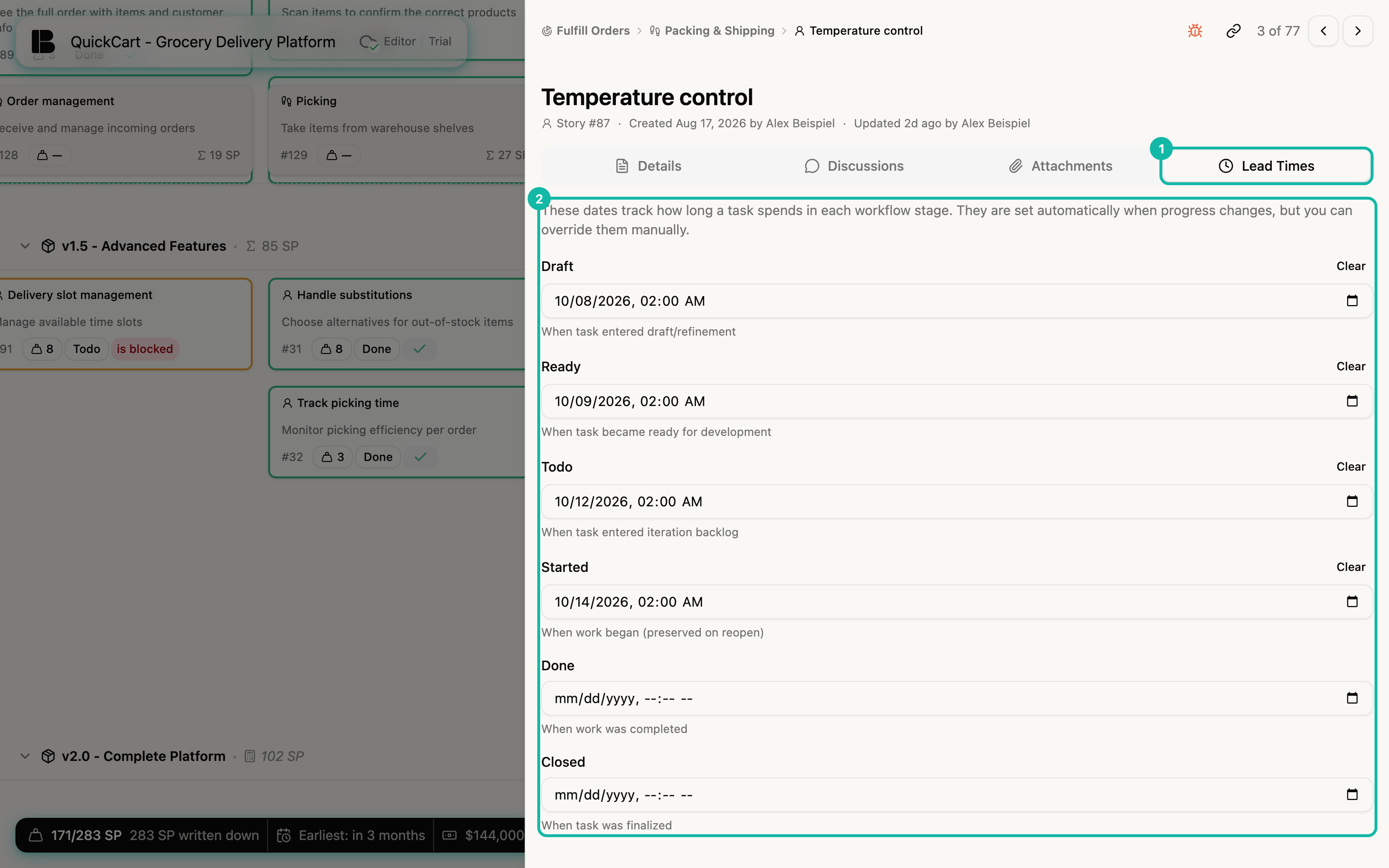
There are six fields, each with date and time:
| Field | Meaning |
|---|---|
| Draft | When task entered draft/refinement |
| Ready | When task became ready for development |
| Todo | When task entered iteration backlog |
| Started | When work began (preserved on reopen) |
| Done | When work was completed |
| Closed | When task was finalized |
The order matches the way a story moves from left to right through the states. Closed belongs to Open and closed.
Correct points in time
The automatically set times are usually right. If you maintained tickets after the fact, say you set a story to Done on Monday that was finished on Friday, you can adjust the time:
- Click into the date field and choose date and time.
- Leave the field. The change is saved.
- Clear next to the field name removes a point in time again.
The times feed into the reports. Only change them when they are actually wrong.
If a ticket skips a state when moved forward, Betterplan fills in the time of the skipped state. If you move a ticket back, the times already set are kept. Only when a ticket was created or imported already in a later state can earlier fields be empty. That reflects what actually happened.