Phases and views
Betterplan is organised into four phases that follow the path from an idea to delivery: Scope, Prepare, Build and Insights (see What is Betterplan?). Each phase has one or more views. You switch between them with the floating navigation at the top centre.
The navigation
At rest, the navigation shows just one icon per phase. The phase you are in is highlighted dark, and the small digit next to each icon tells you its keyboard shortcut.

Clicking an icon switches to that phase. Which view appears depends on where you were last (see below).
Expanding
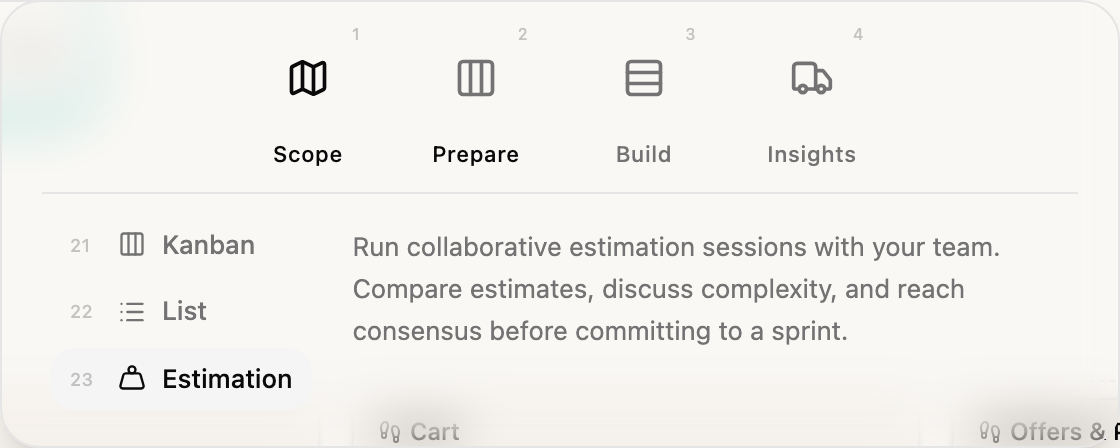
Rest the pointer on the navigation for about a second and it expands. Below the phases you now see the views of the current phase, each with a two-digit number, and a description of the highlighted view.
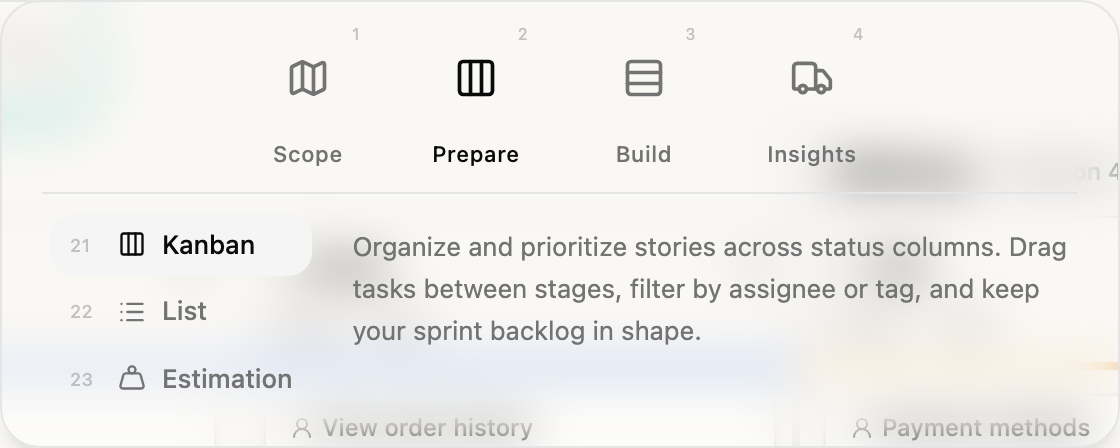
Move the pointer over the icon of another phase and the navigation shows that phase's views without leaving your current view. Move over an entry in the list and the description changes. Only a click actually switches.
All views at a glance
The numbers in the table are the keys that take you straight to a view (see Keyboard).
| Phase | No. | View | Purpose |
|---|---|---|---|
| Scope (1) | 11 | Storyboard | Your product vision as a hierarchy of Initiatives, Epics and Stories (story map); structure and first prioritization by drag and drop, make dependencies visible |
| 12 | Roadmap | Goal-oriented roadmap: release goals, features and success metrics for stakeholders | |
| 13 | Orbit | Tell the story of your product: from the vision through Initiatives to Epics, on the same structure as the Storyboard | |
| Prepare (2) | 21 | Kanban | The Backlog by state (Idea to Done); drag cards between columns and prioritise |
| 22 | List | A compact table for quickly editing and sorting many tickets | |
| 23 | Estimation | Estimate together and compare estimates | |
| Build (3) | 31 | Iteration Board | The current Iteration with a swimlane per Story and its Workitems |
| 32 | Iterations | A look back at every Iteration: goal, duration, story split, velocity and capacity | |
| Insights (4) | 41 | Timeline | Releases and Iterations on a time axis, forecast and scheduling conflicts |
| 42 | Progress | Burn-up, velocity and forecast over time | |
| 43 | Flow | Cycle time, lead time, throughput and the age of open Stories |
You will find detailed guides in the sections on Scope, Prepare, Build and Insights. The views of the Scope phase are described under Storyboard, Roadmap and Orbit, those of the Prepare phase under Backlog as Kanban, Backlog as a list and Estimation View. The views of the Build phase are described under Iteration Board and Iterations overview. The views of the Insights phase are described under Delivery Timeline, Progress and Flow metrics.
This view is being rolled out gradually. If you don't see it yet, it hasn't been enabled for your workspace.
This applies to every view except Storyboard, Kanban and Iteration Board. Views that are not enabled are missing from the navigation. If only one view is left in a phase, the navigation shows it without a list, and a phase with no views disappears entirely. Because phases and views are numbered in order, the keys change too: if a phase is missing, the following ones move up by one digit. The numbers in this documentation apply to a workspace where all views are visible.
Betterplan remembers your view
For each phase, Betterplan remembers the view you used last, in your browser. When you later click the phase icon or press the phase digit, you land there again. If you last used the List in Prepare, for example, 2 takes you to the List, not to Kanban. The phase icon in the navigation already shows the icon of the remembered view.
If you want a specific view, pick it in the expanded navigation or press two digits, for example 2 and 1 for Kanban.